How to Revive an Old PC in Voznesensk: A Free Alternative to Windows 11
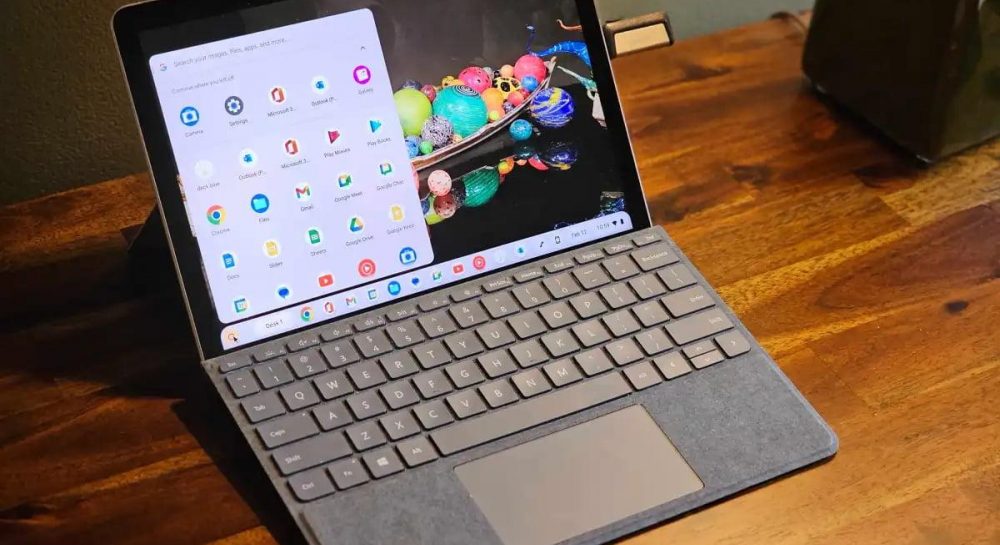
Residents of Voznesensk are introduced to ChromeOS Flex, a free operating system designed to give old computers a second life.
 🏙️City
Photo: UNIAN
Key points
- ChromeOS Flex revives slow and outdated computers
- The system features low hardware requirements and easy setup
- Installation requires a 16 GB USB drive and a full data backup
- Optimized for web browsing and Google cloud services
As software demands continue to grow, many owners of aging computers struggle with slow performance, a common issue when trying to run resource-heavy systems like Windows 11. For residents of Voznesensk looking to optimize their daily workflow without investing in expensive new hardware, Google offers a practical and entirely free solution known as ChromeOS Flex.
Key Benefits and Performance
This lightweight operating system is specifically engineered to breathe new life into outdated laptops and desktop computers, transforming them into fast, efficient devices for web browsing and education. Its primary advantage is extremely low hardware requirements. Unlike complex Linux distributions, ChromeOS Flex is straightforward to set up, making it accessible to everyday users who prefer not to deal with complicated configurations.
The installation process requires a USB flash drive with a capacity of at least 16 GB and a computer running the Google Chrome browser to create the bootable media. Users should note that the installation completely erases the internal hard drive, making data backup an essential preliminary step.
Practical Use Cases and Limitations
ChromeOS Flex is deeply integrated with Google's ecosystem, including Gmail, Drive, and Docs, making it an excellent choice for individuals who primarily work online. However, it comes with limitations. The platform cannot run traditional desktop applications designed for Windows, meaning heavy professional software or specific local programs will not be compatible.
Source UNIAN — unian.ua/techno/software/chim-zaminiti-windows-11-google-vipustila-… ↗
Read next
 🛡️Security
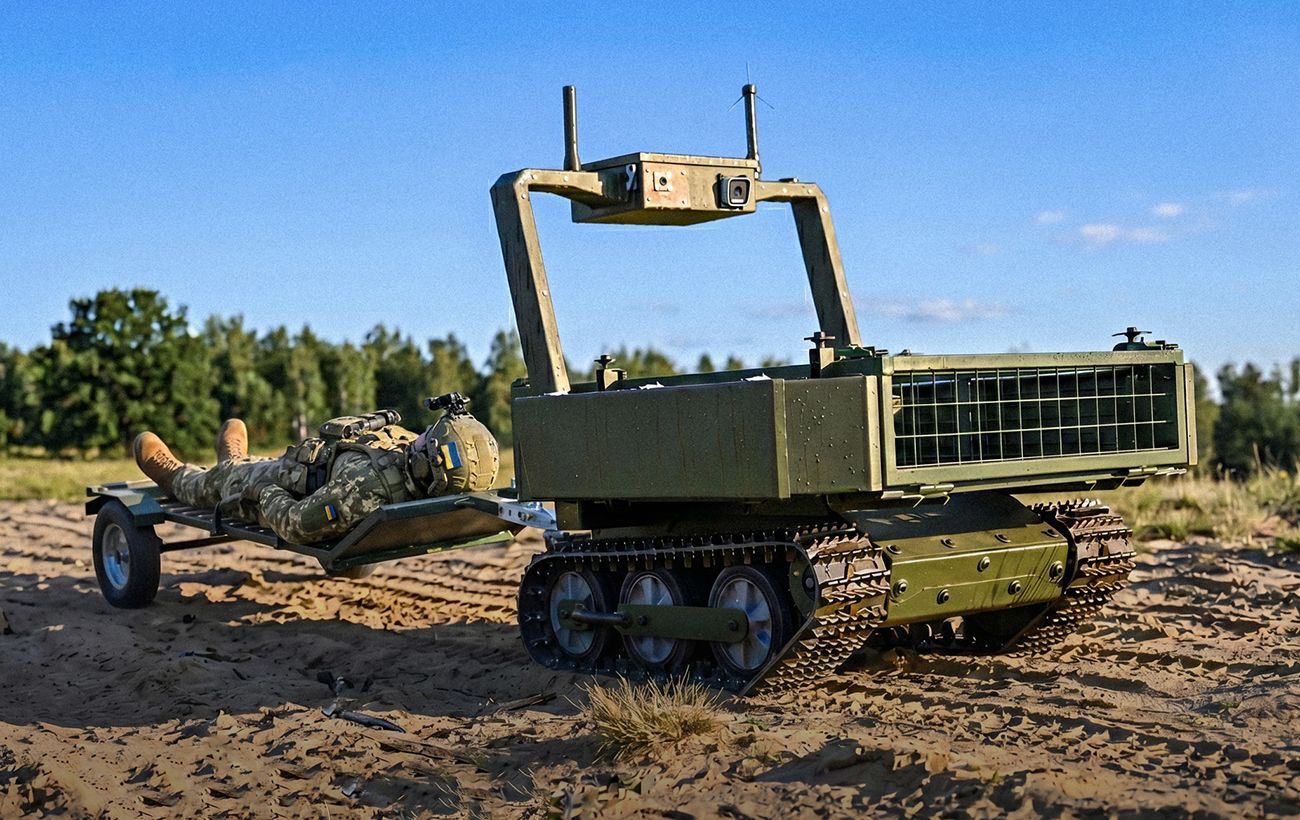
Robotic systems on the frontline: Will UGVs replace armored vehicles
Leading Ukrainian manufacturers of unmanned ground vehicles state that UGVs will not completely replace armored cars on the frontline. Their primary role is to redistribu…
 🛡️Security
Russian Submarines Enter Open Sea for Missile Strike for First Time in Six Months — Navy
During a recent massive attack, Russian forces deployed Black Sea Fleet submarines that had been hiding in Novorossiysk for six months. The submarines had to leave their …
 💼Economy
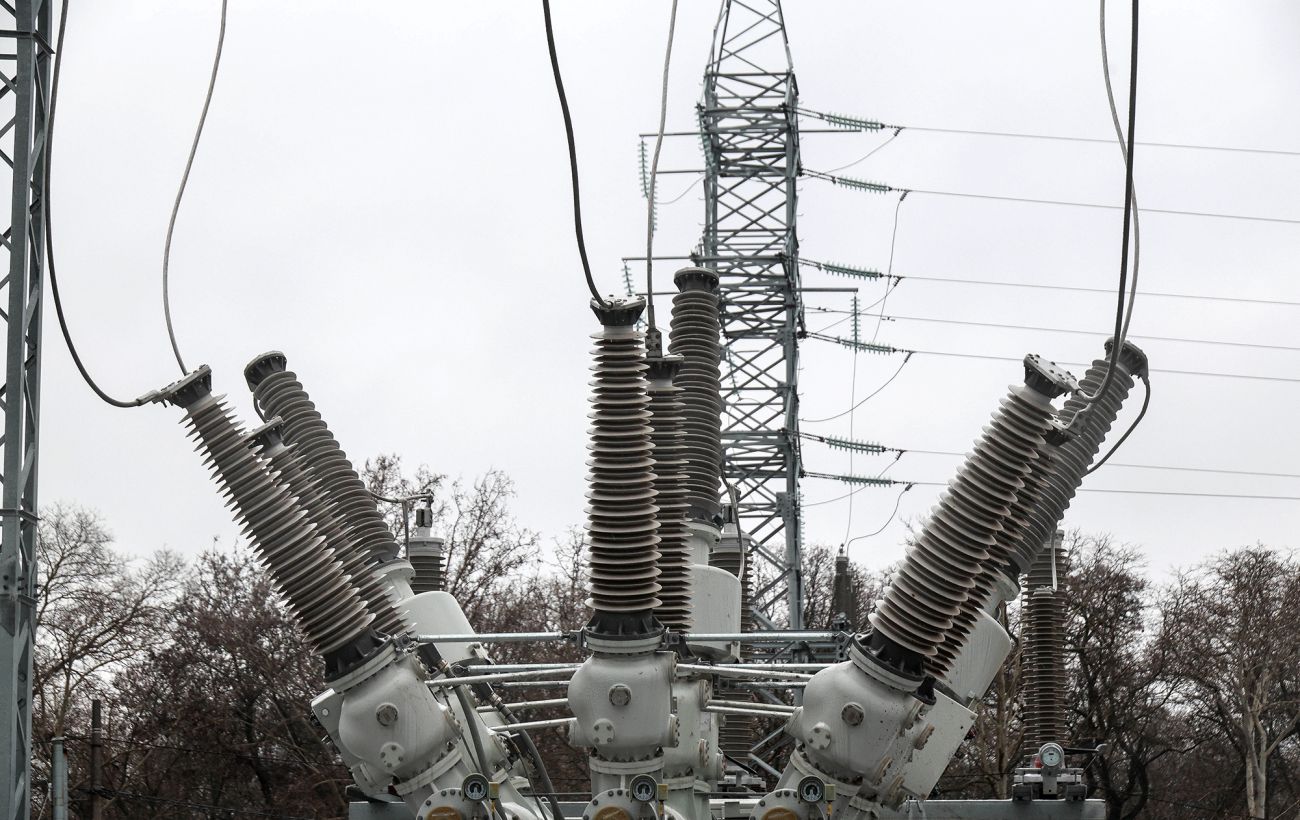
Debt for Energy Protection Exceeds One Billion Hryvnias: Challenges Facing Critical Infrastructure
Companies led by Vladyslav Sokolov completed major infrastructure protection projects in the Kyiv region but accumulated over 1 billion hryvnias in unpaid debts.
 🚨Events
Major Fire Breaks Out at Romanian Resort Hotel, 150 Evacuated
A serious fire at a hotel in a popular Romanian resort area prompted emergency services to evacuate about 150 people safely.
 💼Economy
When St. Andrew's Day Will Be Celebrated in 2026: Dates According to New and Old Calendars
In 2026, St. Andrew's Day will fall on November 30 according to the new church calendar, while traditional communities will celebrate it on December 13.
 🚌Transport
Ukraine’s EU Integration Path: Why Reforms on Paper Often Fail in Reality
The latest European Commission report highlights a persistent gap between adopted EU-integration laws and their practical implementation.