How to Free Up Smartphone Storage: Useful Tips for WhatsApp Users
The popular messaging app WhatsApp often consumes smartphone storage by duplicating media files directly into the device's gallery. Changing a few simple settings can help recover gigabytes of space.
 💡Tech
Photo: UNIAN
Key points
- WhatsApp automatically duplicates media files into the device gallery.
- Disabling autosave helps recover gigabytes of storage space.
- Built-in management tools allow users to easily clear heavy files and cache.
The Hidden Storage Issue in Smartphones
Modern mobile devices are increasingly powerful, yet running out of storage space remains a common issue for many users. One of the primary hidden consumers of smartphone memory in the background is the popular messaging application WhatsApp. Many users do not realize that incoming photos, videos, GIFs, and voice messages are not only kept within chats but also automatically duplicated in the phone's standard gallery app. Consequently, identical files occupy storage twice, quickly filling up available space, particularly on devices with limited capacity.
How to Adjust Media Storage Settings
To prevent unnecessary digital clutter, users can simply modify a few parameters within the application. On iOS devices, it is possible to completely disable the automatic export of incoming media to the default Photos app, ensuring that the gallery only stores pictures captured directly by the device's camera. Similarly, Android users can prevent the messaging app from automatically displaying new downloaded files in the general system gallery.
Furthermore, the app includes a built-in storage management tool for deeper cleanup. By navigating through the data and storage settings, users can easily locate and delete heavy files, such as videos exceeding 5 MB or duplicates from specific conversations. Android users can also benefit from regularly clearing the application cache of temporary files, thumbnails, and contact avatars to maintain optimal device performance.
Source UNIAN — unian.ua/techno/communications/yak-ochistiti-whatsapp-za-1-hvilinu-… ↗
Read next
 🏛️Politics
Mark Rutte comments on diplomatic contacts between leaders of nuclear powers
NATO Secretary General Mark Rutte addressed the meetings between the leaders of the US, China, and Russia, emphasizing the importance of dialogue between nuclear-armed na…
 🚌Transport
Forecast: fuel prices in Ukraine expected to drop by the end of November
Experts predict a decrease in gasoline and diesel prices at gas stations by 5-8 UAH in the near future.
 🩺Health
The Impact of Coffee on Gut Microbiome: New Research Findings
Scientists have found that regular coffee consumption is associated with higher gut microbial diversity and improved digestive function.
 ⚽Sport
The Secret to Longevity: Why Natural Activity Beats the Gym
American researcher Dan Buettner argues that regular daily activity is more effective for health than intense workouts.
 🏛️Politics
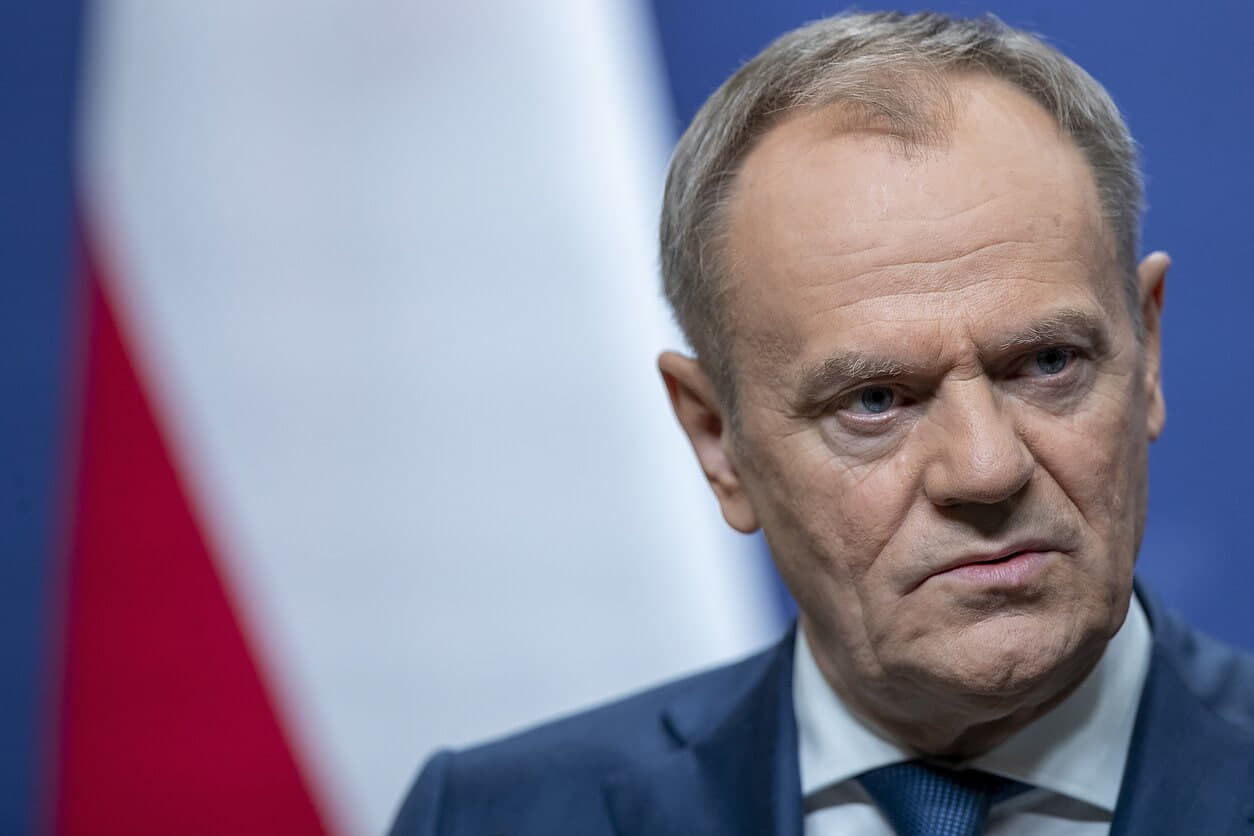
Donald Tusk comments on talks with Donald Trump regarding the future of peace
The Polish Prime Minister shared details of his conversation with the US President, where Trump's contacts with the leaders of Russia and China were discussed.
 🎓Education
Protecting Children on Social Media: New Legislation Under Development in Ukraine
Ukraine is drafting legislation to enhance digital safety for minors, explicitly rejecting a total ban on social media access for those under 16.